

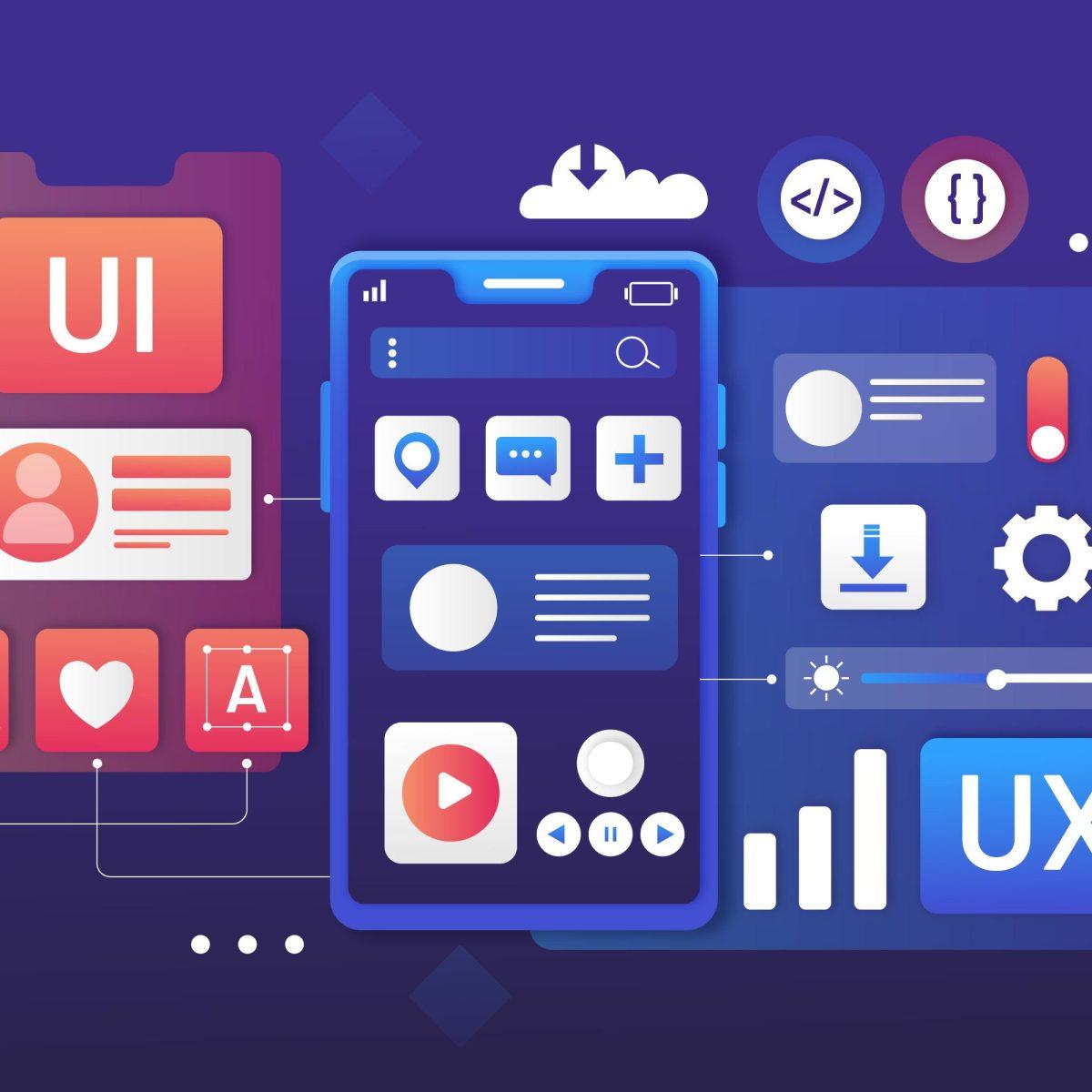
User Experience (UX) design is the backbone of every successful digital product. Whether you’re designing a website, mobile app, or software platform, a well-structured UX design process ensures that your product is intuitive, engaging, and solves real user problems.
This guide walks you through the complete UX design process step by step, helping you build products users love.
What Is the UX Design Process?
The UX Design Process is a framework that guides designers from idea to final product. It ensures that design decisions are based on real user needs instead of assumptions.
The goal is to create products that are:
-
Easy to use
-
Intuitive
-
Efficient
-
Visually appealing
-
User-friendly
.jpg)
Design of Solar Power Plant in Helioscope Software
Last Updated: 2023-07-10
Learn A to Z Design of Solar Power Plant in Helioscope Software with Mr. Kiran Beldar
1. Research: Understand Your Users
Great design starts with understanding real people.
Key Activities:
-
User interviews
-
Surveys and questionnaires
-
Market research
-
Competitor analysis
-
Usability testing of existing products
Goal:
Identify user needs, pain points, behaviors, and expectations.
Without proper research, design decisions become guesswork.
2. Define: Clarify the Problem
Once research is complete, it’s time to turn insights into clear direction.
Key Outputs:
-
User personas
-
Problem statements
-
User journey maps
-
Product goals
Goal:
Define exactly what problem your product is solving and for whom.
A strong problem statement keeps the entire team focused and aligned.
3. Information Architecture: Organize the Experience
This step focuses on structuring content in a logical and user-friendly way.
Key Activities:
-
Sitemap creation
-
Content hierarchy
-
Navigation planning
-
User flow diagrams
Goal:
Make information easy to find and easy to use.
Good information architecture prevents confusion and improves usability.
4. Wireframing: Build the Layout
Wireframes are basic visual layouts that show structure without design distractions.
Key Elements:
-
Page layout
-
Content placement
-
Button positioning
-
Navigation structure
Goal:
Plan the interface before investing time in design.
Wireframes help teams visualize the experience and make changes early.
5. Prototyping: Create Interactive Models
Prototypes bring wireframes to life.
Types of Prototypes:
-
Low-fidelity (clickable sketches)
-
High-fidelity (realistic UI designs)
Goal:
Simulate the real product experience for testing and feedback.
Prototypes allow designers to validate ideas before development.
6. Usability Testing: Validate with Real Users
Testing ensures your design actually works.
What to Test:
-
Ease of navigation
-
Task completion
-
User satisfaction
-
Error points
Goal:
Identify issues before launch and improve the experience.
Testing saves time, money, and user frustration.
7. Visual Design: Enhance Look and Feel
This step adds branding, color, typography, and visual appeal.
Focus Areas:
-
Consistent branding
-
Accessibility
-
Readability
-
Emotional engagement
Goal:
Create a visually pleasing interface that supports usability.
Good UI enhances UX, but never replaces it.
8. Development & Implementation
Design is handed over to developers for production.
Important Practices:
-
Design documentation
-
Developer collaboration
-
Design QA
Goal:
Ensure the final product matches the design vision.
Strong communication between designers and developers is essential.
9. Launch & Continuous Improvement
UX design doesn’t stop at launch.
Post-Launch Activities:
-
Analytics tracking
-
User feedback collection
-
A/B testing
-
Iterative improvements
Goal:
Continuously optimize the experience based on real user data.
Great UX is an ongoing process.
.jpg)
.jpg)
.jpg)
.jpg)

%20(1).jpg)

.jpg)